You do not need Photoshop, or even a separate app, to edit a photo anymore. It is already sitting in your browser. One skill makes this actually work, and it is simpler than you think.
What is actually happening here
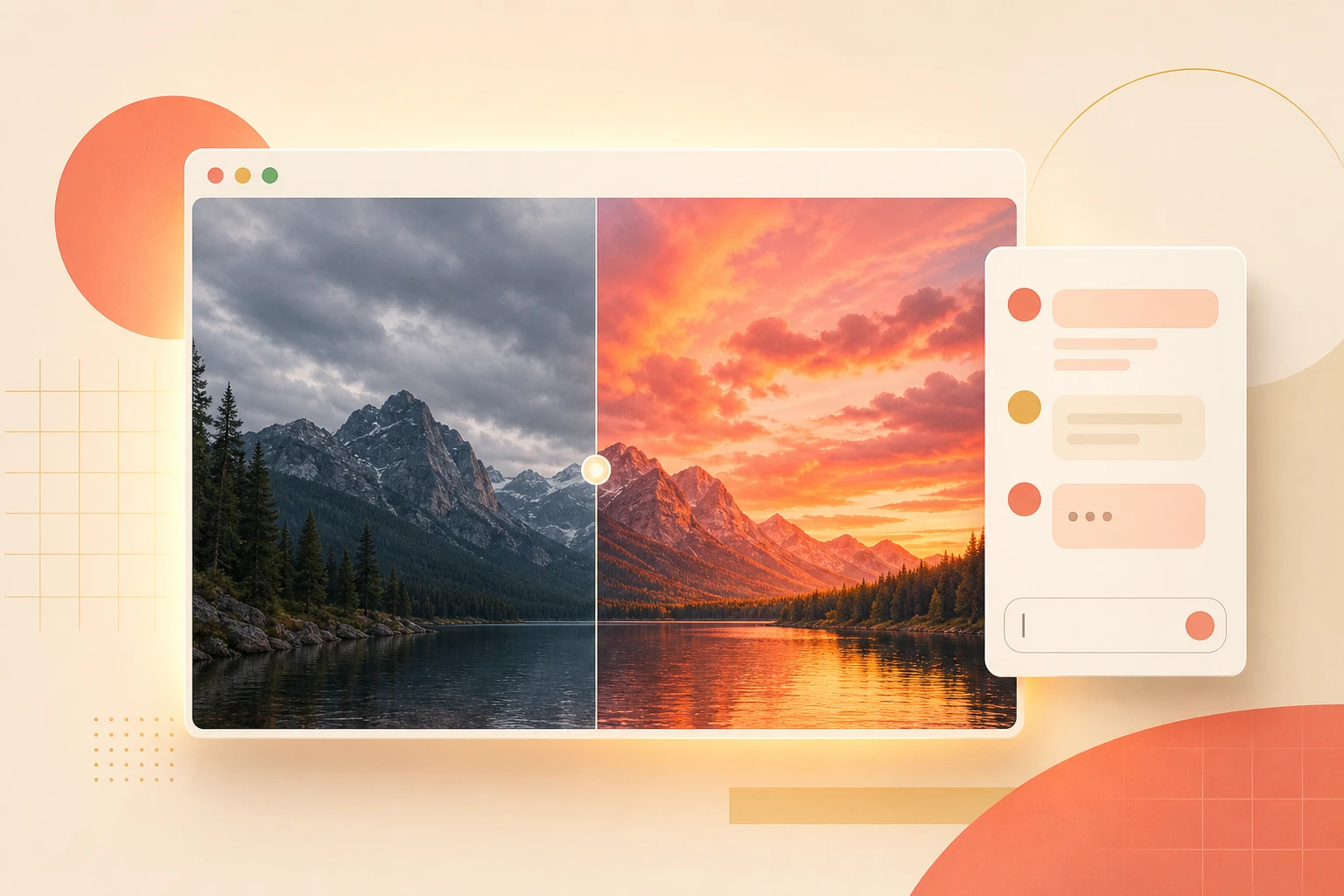
Gemini can receive an image, understand what is in it, and apply a specific visual change. The result comes back as an edited image, right there in the conversation. No download, no re-upload, no second app opened in another tab.
The part most people get wrong is the prompt. Sending a vague instruction like "make this better" or "enhance it" produces a vague result, because Gemini has no idea what better means to you. A specific instruction produces a specific result, every time.
Vague prompt, vague result. Specific prompt, exact result. Everything else in this guide follows from that.
The three steps, in full
- Open your photo in Gemini. You have three options and none is better than the others: Chrome's sidebar (click the Gemini icon top-right), the Gemini app at gemini.google.com, or drop the image directly into a Google Slides slide and use Gemini from there. The same model is running underneath each one.
- Write the exact change, not a feeling. Skip "enhance this," "make it pop," or "improve the quality." Say what you literally want altered: "remove the person standing in the background," "change the sky to a sunset," "make the shirt blue instead of white." One specific instruction per message gets you one clean, reviewable edit.
- Review the result immediately. Gemini shows you the edited image in the same conversation. If it is right, done. If it needs a small adjustment, reply with the next specific instruction. No download, no third-party tool, no starting over.
Vague vs. specific: what the difference looks like
Here is the same situation written both ways, so you can see exactly what to avoid and what to send instead:
| Vague | "Make this photo look better." |
| Specific | "Remove the bin on the left side of the image." |
| Vague | "Fix the background." |
| Specific | "Replace the background with a plain white studio backdrop." |
| Vague | "Improve the lighting." |
| Specific | "Brighten the subject's face without changing the background." |
| Vague | "Make it more professional." |
| Specific | "Change the hoodie to a navy blue blazer." |
Five edit prompts that work first try
Copy any of these, drop in your photo, and send. Each one is written to give Gemini a clear, single instruction:
Remove the [object] from the background and fill the space naturally.
Replace the sky with a warm golden-hour sunset, keeping everything below the horizon unchanged.
Change the colour of the [clothing item / object] to [colour]. Keep everything else exactly as it is.
Replace the background with a plain white backdrop. Keep the subject sharp and unedited.
Brighten only the subject's face. Do not change the exposure of the background.
The honest bit
- Complex edits sometimes need two passes. If you are removing something large and the fill looks off, a follow-up instruction like "smooth the fill in the top-left corner" usually fixes it faster than regenerating from scratch.
- Gemini will not always nail a photorealistic removal. For simple objects and clean backgrounds it is very good. For intricate scenes with lots of overlapping detail, results vary. Know when a dedicated tool is the better call.
- You still own the output. The edited image lives in the conversation. Download it before you close the tab if you need to keep it.
- This is not a replacement for professional retouching. For brand campaigns or print work, use it to rough out ideas quickly. Final polish is still a different job.
Want prompts that work across every AI tool, not just image edits?
If you want a proper system for getting consistent results from Gemini, ChatGPT, and the rest, book a session and we will build it around your actual workflow.
Follow @itsriz for AI tips every single day.